

I have over 2,000 voice memos on my phone.
That’s not a typo. Two thousand. The oldest is from Lima, 2020. A city I loved. A year I barely remember. A recording I will never, ever listen to because I would rather reorganize my sock drawer by thread count than spend 4 minutes hearing myself wax poetic about an idea I've long since completely forgotten.
I record multiple memos a day. Have for years. “Future Nick will deal with this,” I’d say, like Future Nick was some kind of unpaid intern with infinite time and a deep love for listening to Past Nick ramble about whether or not my landlord is running a sex cult at 2am. (Future Nick, it turns out, has his own problems. Chief among them: the 2,000 voice memos Past Nick left behind.)
This is the human condition now. We record our thoughts like they’re precious. We treat them like they’re garbage. We feel guilty about both. (Somewhere, a philosophy major is nodding sadly. The rest of us are just checking our phones to see how bad our own graveyard is.)
Here’s the thing about graveyards, though. The dead don’t care if you visit.
But some get buried alive.
I’m not here to tell you how to exhume 2,000 corpses. That’s my cross to bear. I’m here to tell you how I stopped creating new ones.
Why You Never Listened
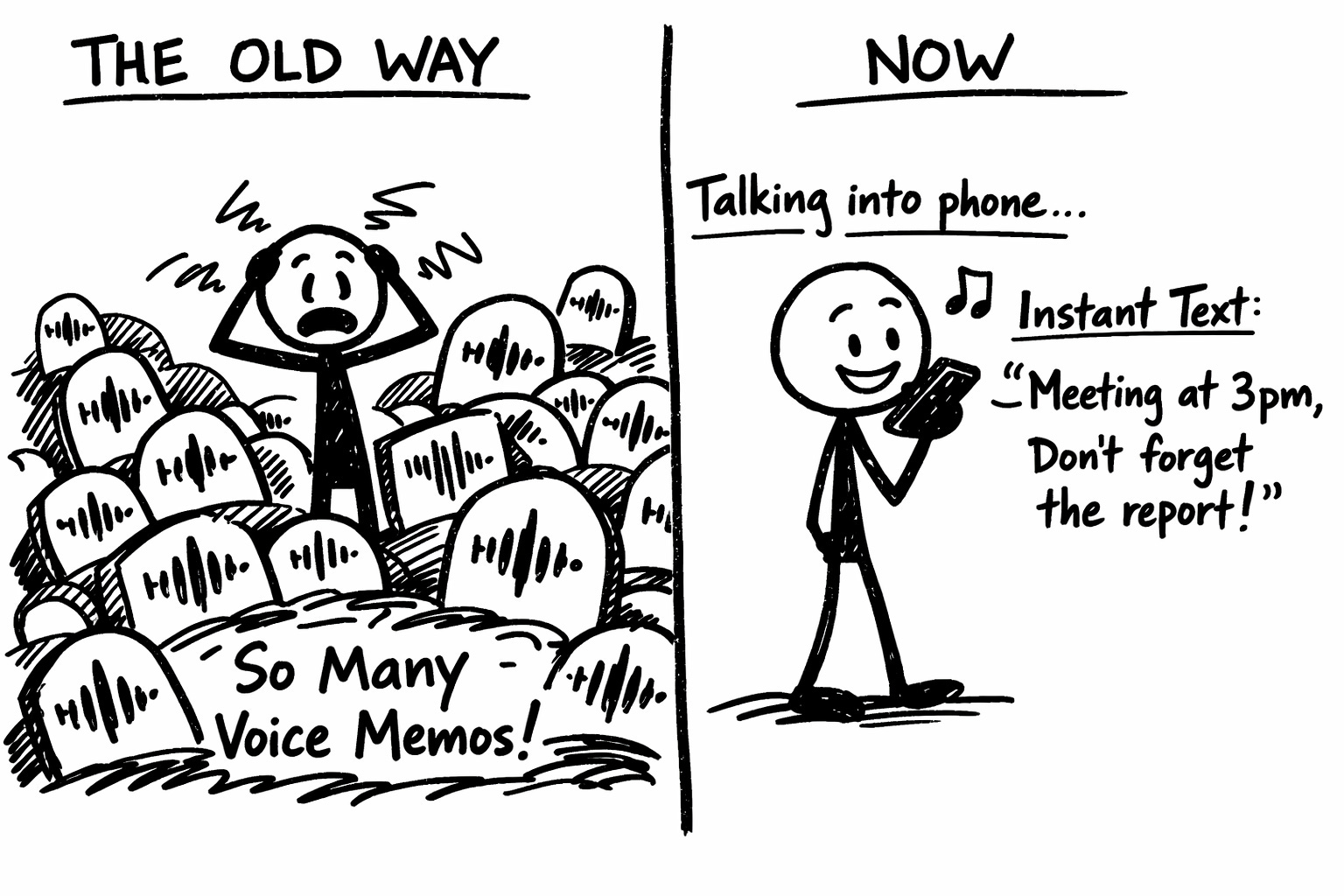
The math on voice memos was always broken.
Recording takes 4 minutes. Listening takes 4 minutes. That’s a 1:1 exchange rate, which means every memo you record is a 4-minute debt you’re taking out against your future self. And your future self, bless them, has better things to do than listen to you explain why your bowl of Froot Loops is a soup at 11pm.
We blamed ourselves. I just need more discipline. I should set aside time to review these. What’s wrong with me?
Nothing. Nothing was wrong with you. The playback button was the problem. It always was. We just kept thinking we’d eventually want to push it.
We never wanted to push it.
The Fix:
Voice Memos got evicted from my home screen. In its place: a Letterly widget. One tap, mic’s live, no hunting through apps. (The ghost of Voice Memos still haunts my App Library somewhere. We don’t talk anymore.)
Tap. Talk. Stop. That’s still the whole ritual. But here’s what’s different: I never have to listen to myself again.
You record. AI transcribes. Then (and this is the part that matters) AI rewrites your rambling into something a sober person could actually use. Structured notes. Action items. A to-do list. A goddamned email if that’s what you need.
Four minutes of unhinged 2am rambling becomes 15 seconds of reading. The math finally works.
Other apps do transcription too (Otter, Descript, a dozen others). Use whatever doesn’t make you want to throw your phone into oncoming traffic. But Letterly is what I use, what I trust, and what these instructions are based on. Free tier works. I’ve thrown thousands of thoughts at it and it hasn’t flinched.
How It Actually Works:
1. Have a thought.
Could be an idea. A to-do. A rant about how Bumble can smell my desperation and is adjusting the price accordingly. A reminder to call mom. The half-formed outline of something that might be brilliant or might just be the caffeine. Doesn’t matter. If it’s taking up mental real estate, it qualifies.
2. Open Letterly. Tap the mic. Talk.
Don’t organize your thoughts first. Don’t wait until you can articulate it properly. That’s how ideas die (while you’re “getting ready” to capture them).
Just... talk. Ramble. Repeat yourself. Contradict yourself. Say “um” forty times. The AI doesn’t judge. It’s heard worse. (It's heard me. It still works. That's either loyalty or Stockholm syndrome.)
3. Stop talking. Wait 10 seconds.
The app transcribes. You’ll see your words appear, messy and human and full of the verbal tics you didn’t know you had. (I say “basically” approximately eight thousand times per memo. It’s humbling.)
4. Pick a rewrite.
This is where the magic happens. Tap one:
“Structured text” — turns your ramble into organized paragraphs
“Formal email” — makes your 2am voice memo sound like it came from someone with a 401k
“Friendly message” — for when “just checking in” has been sitting in your drafts for three weeks
“Twitter post” — distills your six-minute rant into something under 280 characters (the app calls it “X” but I refuse to participate in the tyranny)
There are 25+ options. You can even create custom rewrites. (”Turn this into a passive-aggressive DM to my ex” is theoretically possible. I’m not saying I’ve done it.)
5. Decide its fate.
Every processed thought gets one of three destinations:
Your idea inbox (a note where good ideas live until you’re ready for them)
Your task manager (if it’s actually something you need to do)
The archive (most of them, and that’s fine)
No purgatory. No “I’ll figure out what to do with this later.” That’s how graveyards get built. Decide now. Move on.
Why This Changes Everything:
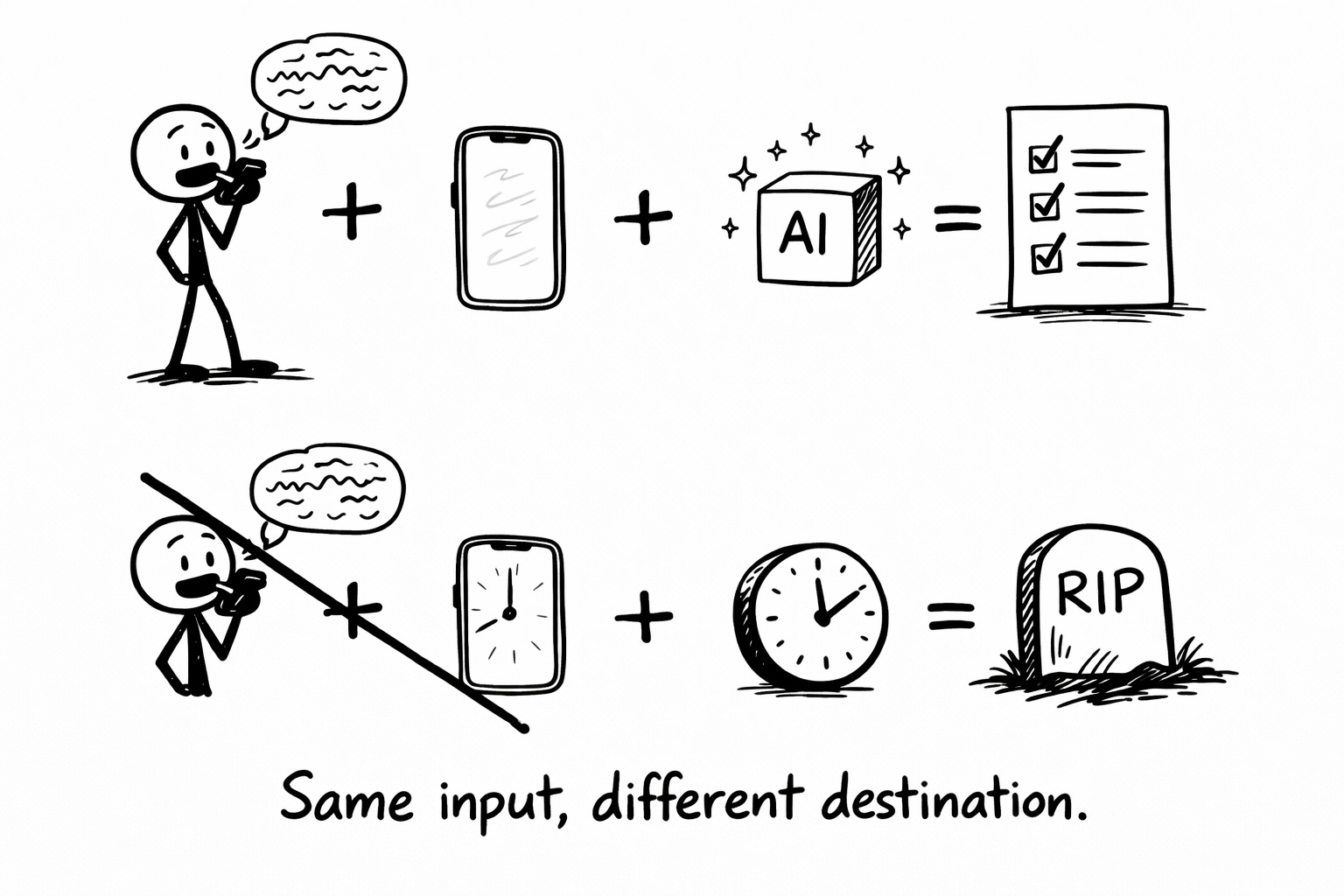
I still record 10+ voice memos a day. More, probably. Every random thought, every shower idea, every “I should really...” that floats through my head.
The difference? I process them immediately. Right there. In the moment.
Thought hits. I record. AI rewrites. I sort. Done.
No backlog. No guilt. No 2,000-memo graveyard growing in the background while I pretend I’ll “get to it eventually.”
The ideas that matter get captured. The ones that don’t get released. And I never have to hear myself say “wait, where was I going with this” on loop to make it happen.
The Rules:
DO: Record immediately when the thought hits. Don’t wait. Don’t “save it for later.” The thought will be gone in 30 seconds and you’ll spend the next hour trying to remember what it was. (The number of ideas I’ve lost to “I’ll definitely remember this” is... well, I don’t remember.)
SKIP: Organizing your thoughts before you record. That’s the AI’s job now. Your job is to capture the raw material. Let the robot do the refining.
When Life Gets Weird:
Can’t-talk-out-loud mode: On a train? In a meeting? Pretending to listen to someone? Tap the plus icon, select “Write note,” and type the thought instead. Same AI rewrites, no voice required. Not as fast, but better than losing the thought.
Screen-off mode: Walking somewhere? Phone in pocket? Start recording with the screen off. The app handles it. This is how I capture most of my ideas now (during walks, in the shower (yes, my phone is waterproof for a reason, don’t judge), lying in bed at 2am staring at the ceiling).
Low-battery-brain mode: Some days you don’t have the energy to even decide “idea vs. task vs. trash.” That’s fine. Just record. Let everything pile up in Letterly for a day. Process tomorrow when your brain comes back online. The difference is: this pile has already been transcribed and rewritten. It’s not a graveyard. It’s a inbox. Inboxes can be processed. Graveyards just... sit there.
Keep It Stupid Simple:
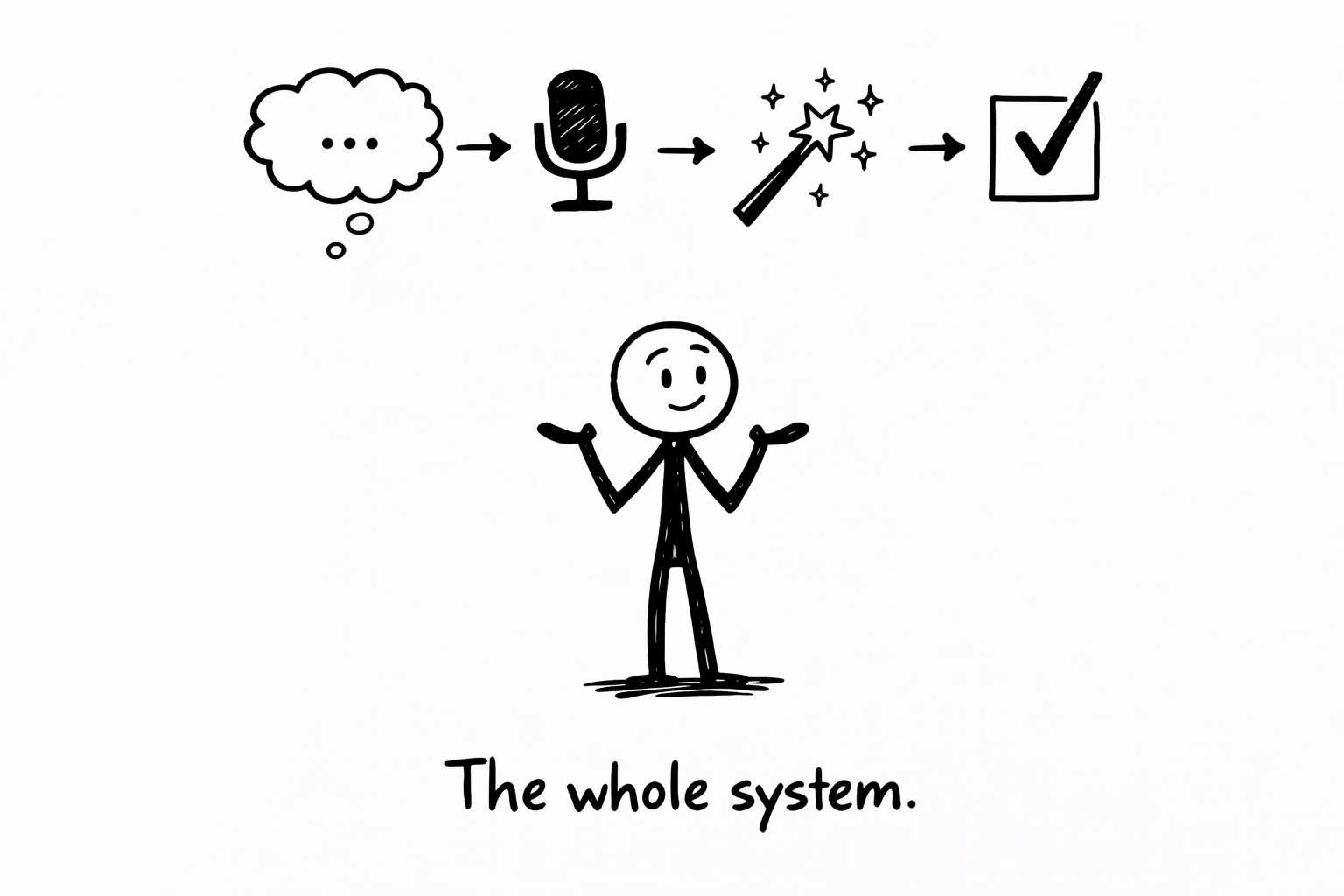
Thought. Record. Rewrite. Sort.
That’s the whole system. Four steps. Takes less than a minute per idea.
The goal isn’t to capture more ideas. (You’re already having plenty of ideas. That was never the problem.) The goal is to stop losing them to the graveyard of good intentions.
Your Scorecard:
Forget counting your old voice memos. That number is just guilt with a notification badge.
Track this instead: Ideas captured and processed this week.
That’s it. Did you have a thought, record it, and sort it? That’s a win. Do it ten times? That’s a great week. The number should go up, not down. You’re not clearing a backlog. You’re building a habit.
After a month, look back. How many of those captured ideas turned into something? A project. An email. A decision. A conversation.
Some will. Most won’t. But they all got a fair trial instead of a burial.
VOICE MEMO LIBERATION SYSTEM

The Old Way (Graveyard):
Thought → Record → Never listen → Guilt → Repeat

The New Way (Liberation):
Thought → Record in Letterly → AI rewrites → Sort → Done

Setup (2 min):
□ Download Letterly: letterly.app?ref=nick
□ Add widget to home screen (one-tap recording)
□ Remove Voice Memos from home screen (symbolic funeral)

Daily Practice:
□ Thought hits → Open Letterly → Tap mic → Talk
□ Wait 10 sec for transcription
□ Pick rewrite: Structured / Summary / Action Items / To-Do
□ Sort: Idea Inbox / Task List / Trash
□ Move on with life

Weekly Check-In:
Ideas captured: ___
Ideas that turned into something: ___
Voice memos listened to: 0 (this should always be 0)
Reply “guilty” if you have voice memos older than a year that you’ve never played back. If you want to confess the actual number, I won’t judge.
(I have 2,000+. I’m in no position to judge anyone.)
Fixed (for now),
Nick “Zero Playback“ Quick

PS…I went back and processed one of my old Voice Memos out of morbid curiosity. Label said “IMPORTANT IDEA.” All caps. Very urgent. Past-Nick clearly thought this one was special.
The transcription revealed, in its entirety: “What if there was an app that... wait, what was I going to say? Shit. Never mind.”
Four minutes of recording. Sixty seconds of buildup. Zero ideas preserved.
Sometimes the graveyard is exactly where things belong. The difference now is: I find out in 15 seconds instead of never.
PPS…Next week: How to Reply to the Text You’ve Been Avoiding for Three Weeks. You know exactly which one I’m talking about. It’s been rotting in your inbox like a tiny guilt bomb. Let’s defuse it.
This is a perfect job for AI—something that people never would have gotten around to otherwise!
Super usefull! I have a big graveyard of my forgotten thoughts